Decommissioning a unit
How to retire a unit: delete its folder in one pull request, then either destroy its resources or keep them.
When a pull request deletes a unit folder, the engine plans the unit's destroy from the default branch's copy of the repository. Only reviewed, merged code shapes the destroy; nothing on the pull request branch can change it. The report leads with the choice:
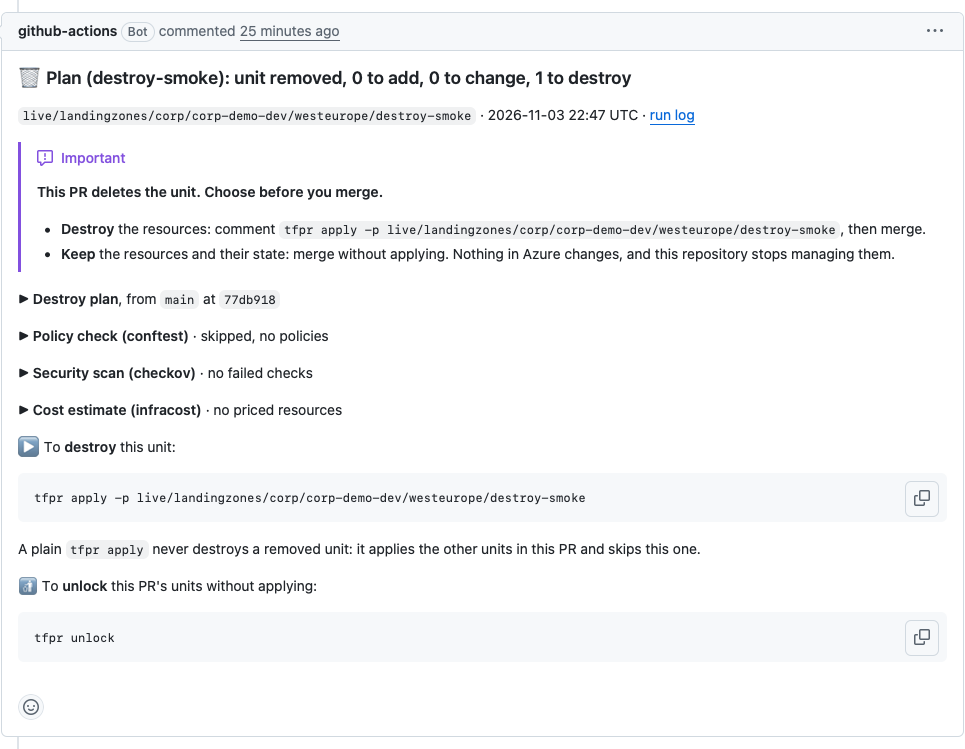
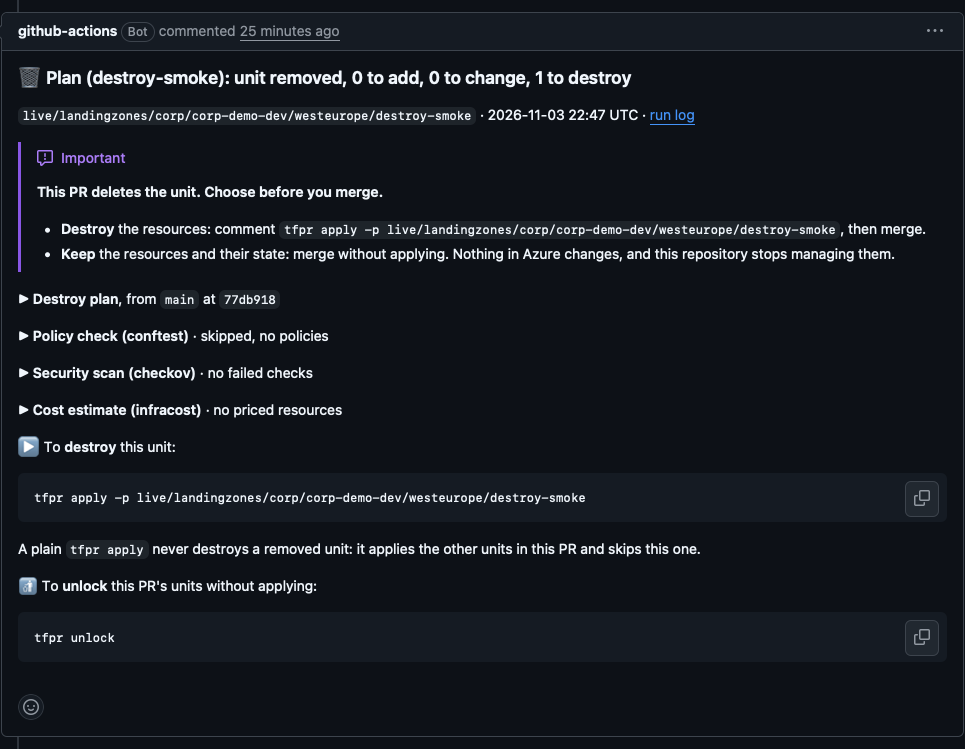
The check row reads Destroy plan: 0 to add, 0 to change, 1 to destroy, and
the merge gate stays green, because merging is one of the two valid outcomes:
1 unit removed: merge keeps it, tfpr apply -p destroys it.
To destroy the resources
- Delete the unit folder in a pull request. Read the destroy plan as carefully as a create: it is the full list of what goes.
- Get the required review, then comment
tfpr apply -p <unit>, naming the removed unit. The destroy runs from the default branch's code and goes through the same reviewed-plan check as any apply. - Merge once
tfpr / merge-gatereadsApplied.
A plain tfpr apply never destroys a removed unit. In a pull request that also
changes other units, it applies those and replies that it skipped the removed
one, with the command that destroys it. The gate then reads
Applied 1 unit; 1 removed unit kept unless you comment tfpr apply -p, so the
choice stays visible. Several removed units in one pull request are destroyed
after the other applies, in reverse dependency order.
To keep the resources running
Delete the unit folder and merge without applying. Nothing in Azure changes: the resources keep running, unmanaged by this repository, and stay in the unit's Terraform state. Say so in the pull request description, because after the merge the report is the only record that keeping them was deliberate.
The state blob stays where it is either way. An empty state is harmless, and deleting it is not reversible. Blob versioning and soft delete are on for the state account, so even a deleted blob can be restored within the retention window.
When there is no destroy plan
Dependents first
A unit that another remaining unit depends on gets no destroy plan: its
report reads unit removed, destroy refused: other units depend on it and
names them. Destroying it first would break their next plan. Remove the
dependents first, in the same pull request or an earlier one, leaf first,
the order Teardown and decommissioning describes. Merging
still keeps the resources.
Moves are not destroys
If the same pull request adds a unit with the same modules and inputs, the
report reads unit removed, looks like a move and offers no apply command;
tfpr apply -p on it is refused. A move keeps the resources under the old
state key: move the state first, then merge, as in
Moving or renaming a unit.
A unit that leaves discovery because projects.yml now excludes it, while its
folder stays, gets no destroy plan either. Its resources stay as they are.